

EUR/USD Expert Advisor (EA) – Overview & Free Download Guide

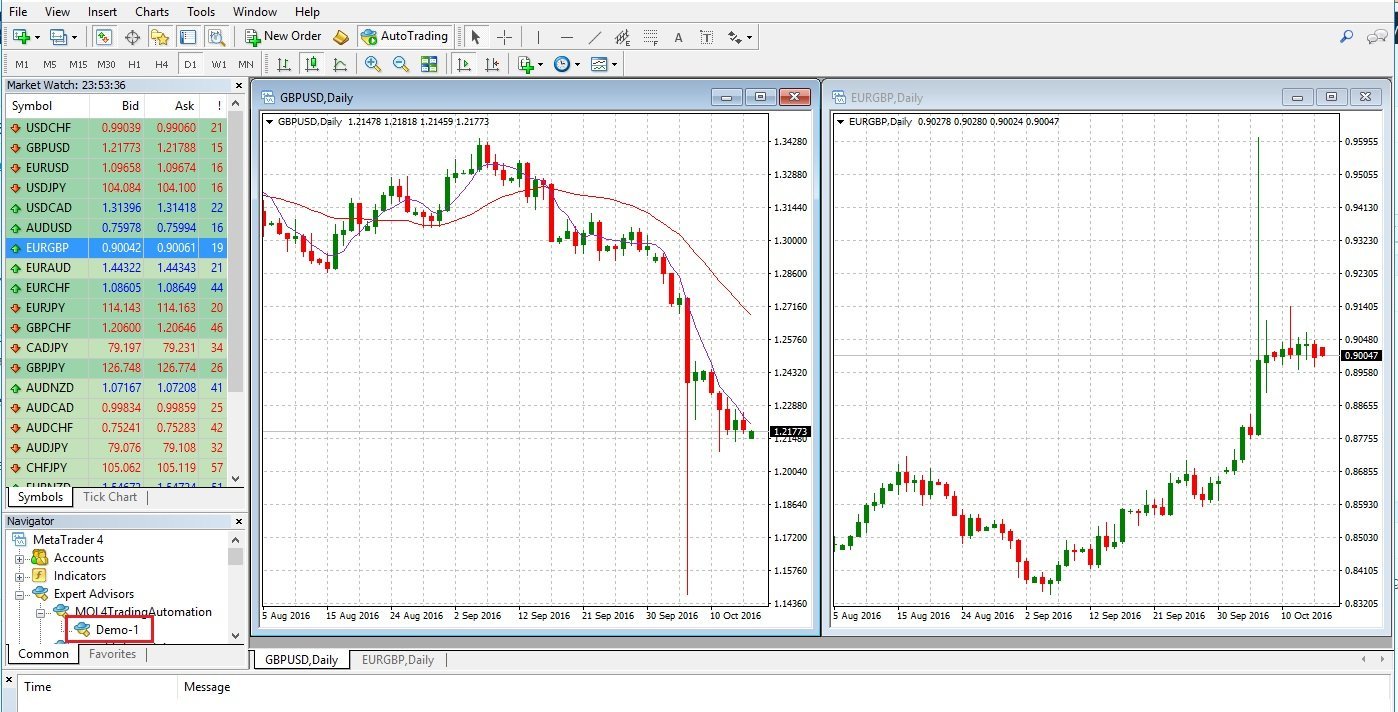
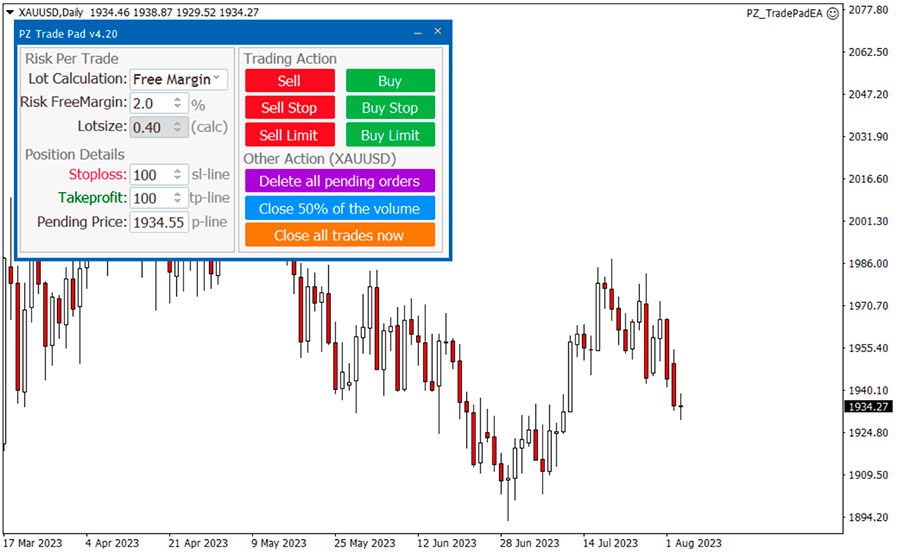
4
Looking for a EURUSD EA FREE Download? You’re not alone. Thousands of traders search for automated trading robots that can trade the EUR/USD pair 24/7 without emotional decisions. But here’s the truth: not all free Expert Advisors (EAs) are safe, profitable, or even functional.
In this guide, you’ll discover:
- What a EURUSD EA is
- Where to download free versions safely
- How to install it on MT4/MT5
- Pros & cons of free forex robots
- Risks you MUST know before using one
Let’s dive in.
What Is a EURUSD EA?
A EURUSD Expert Advisor (EA) is an automated trading robot designed to trade the EUR/USD currency pair on MetaTrader platforms.
An EA:
- Opens and closes trades automatically
- Uses technical indicators or algorithms
- Follows predefined rules
- Runs 24/5 without emotions
Most free EAs are built for:
- Scalping
- Grid trading
- Martingale strategies
- Trend-following systems
Why Traders Search for EURUSD EA FREE Download
Here’s why free EAs are popular:
1️⃣ Cost Savings
Paid EAs can cost anywhere from $50 to $1000+. Free versions attract beginners who want to test automation first.
2️⃣ Easy Automation
You don’t need advanced trading skills. The EA handles entries, exits, stop-loss, and take-profit levels.
3️⃣ 24-Hour Trading
Since EUR/USD is one of the most liquid forex pairs, it offers constant trading opportunities.
Where to Find EURUSD EA FREE Download (Safe Sources)
⚠️ Be careful. Many “free download” websites contain malware or fake performance results.
Safer places include:

✔️ MetaTrader Market
You can browse free EAs directly inside:
- MetaTrader 4
- MetaTrader 5
These are verified and scanned.
✔️ MQL5 Community
The official marketplace:
🔗 https://www.mql5.com
Here you’ll find:
- Free demo EAs
- Limited versions
- User reviews
- Backtesting reports
✔️ Open-Source Trading Forums
Some developers share open-source EURUSD bots on GitHub or Forex forums. Always scan files before installing.
How to Install EURUSD EA on MT4 (Step-by-Step)

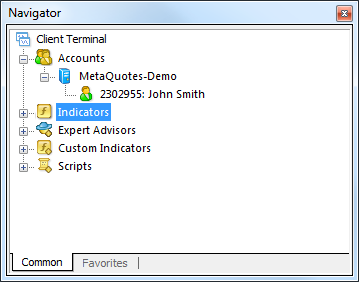
4
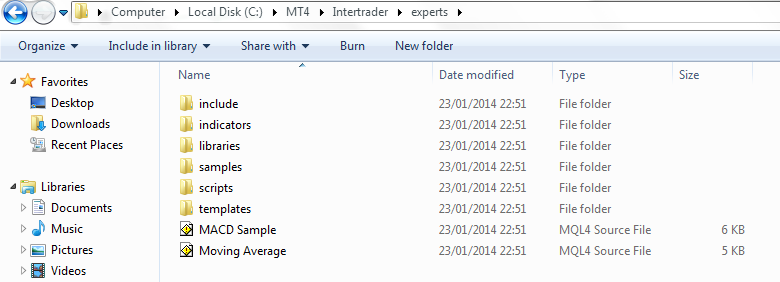
Follow these steps:
- Download the EA (.ex4 or .mq4 file)
- Open MT4 → Click File → Open Data Folder
- Go to: MQL4 → Experts
- Paste the EA file inside
- Restart MT4
- Drag the EA onto EUR/USD chart
- Enable “AutoTrading”
That’s it! Your EA will now start trading automatically.
Pros and Cons of Free EURUSD EAs
| Pros | Cons |
|---|---|
| No cost | Often unoptimized |
| Good for testing | May use risky strategies |
| Beginner-friendly | No support or updates |
| Easy setup | Hidden martingale risk |
Hidden Risks of Free Forex Robots
Before downloading any EURUSD EA FREE Download file, understand the risks:
🚨 Martingale Strategy
Many free EAs double lot sizes after losses. This can wipe your account quickly.
🚨 Over-Optimized Backtests
Some developers curve-fit their EA to historical data. It looks amazing in backtests but fails in live markets.
🚨 No Risk Management
Some bots trade without proper stop-loss protection.
How to Test a EURUSD EA Safely
Never use it on a live account first.
✔️ Use Demo Account
Open a demo account on MT4 or MT5.
✔️ Run Strategy Tester
Use the built-in backtesting tool.
✔️ Start With Small Capital
If you go live, use micro lots and low leverage.
Best Settings for EURUSD EA
While each EA is different, these general rules help:
- Use 1–2% risk per trade
- Avoid high leverage (keep under 1:100)
- Trade during London & New York sessions
- Avoid major news releases
Is EURUSD Good for Automated Trading?
Yes — and here’s why:
- High liquidity
- Tight spreads
- Predictable volatility
- Strong technical behavior
That’s why most forex robots are designed for EUR/USD.
Frequently Asked Questions (FAQ)
1. Is EURUSD EA FREE Download really free?
Yes, many are free, but some are limited versions of paid robots.
2. Are free EAs profitable?
Some can be profitable, but most require optimization and proper risk management.
3. Can a forex EA guarantee profit?
No. There is no guaranteed profit in forex trading.
4. Is it legal to use a trading robot?
Yes, as long as your broker allows automated trading.
5. What is the safest lot size?
For beginners, 0.01 lot with proper stop-loss is safest.
6. Can I modify a free EA?
If you have the source code (.mq4/.mq5), yes.
Final Thoughts
Searching for EURUSD EA FREE Download is easy — finding a reliable one is harder.
Always:
- Download from trusted sources
- Test on demo
- Avoid martingale strategies
- Manage risk carefully
Automation can be powerful, but only if used wisely.




AVA AIGPT5 EA: AI-fueled 4D Nano Algorithm Gold Scalper for MT4
230 in stock
$0.00 $678.99Price range: $0.00 through $678.99

Golden Deer Holy Grail Indicator (Lifetime Premium)
324 in stock
Original price was: $1,861.99.$187.99Current price is: $187.99.

Millionaire Bitcoin Scalper Pro EA: AI-fueled 4D Nano Scalper for MT4
244 in stock
$0.00 $987.99Price range: $0.00 through $987.99
Powerful Forex VPS for MT4 & MT5 – Best Price
182 in stock
$44.99 $359.99Price range: $44.99 through $359.99

Top 2000 Trading Tools for Forex Success in 2025 (EA & Indicator)
In stock
Original price was: $9,999.99.$0.00Current price is: $0.00.