MT5
Obsidian Aether EURUSD EA: AI Grid Scalper for MT5
- Total gain
- +70.08%
- Max drawdown
- 95.21%
From$199
Get licenceRankings · Performance verified 21 October 2026
Every figure in this table comes from the third-party tracking account linked on each product page. We rank on monthly return, but we publish drawdown, account type and the licence price beside it — because a system returning 20% a month at 80% drawdown is a different proposition from one returning 6% at 5%.
Full ranking
Sorted by compound monthly return. Scroll the table sideways on a phone — or use the cards below for the three leaders.
| Rank | Robot Name | Pair | Platform | Gain | Monthly ROI | Max Drawdown | Strategy | Action |
|---|---|---|---|---|---|---|---|---|
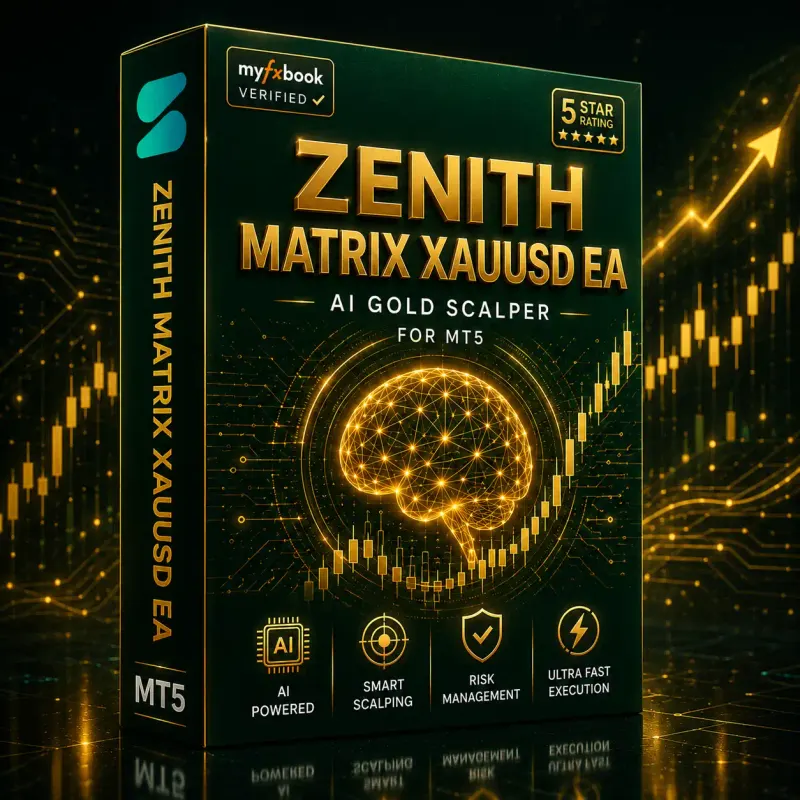
#1 | Zenith Matrix XAUUSD EABest ChoiceMyFxBook Tracked · Demo | XAUUSD (Gold) | MT5 | +90.43% | 17.85% | 47.85% | AI Gold Scalping | |
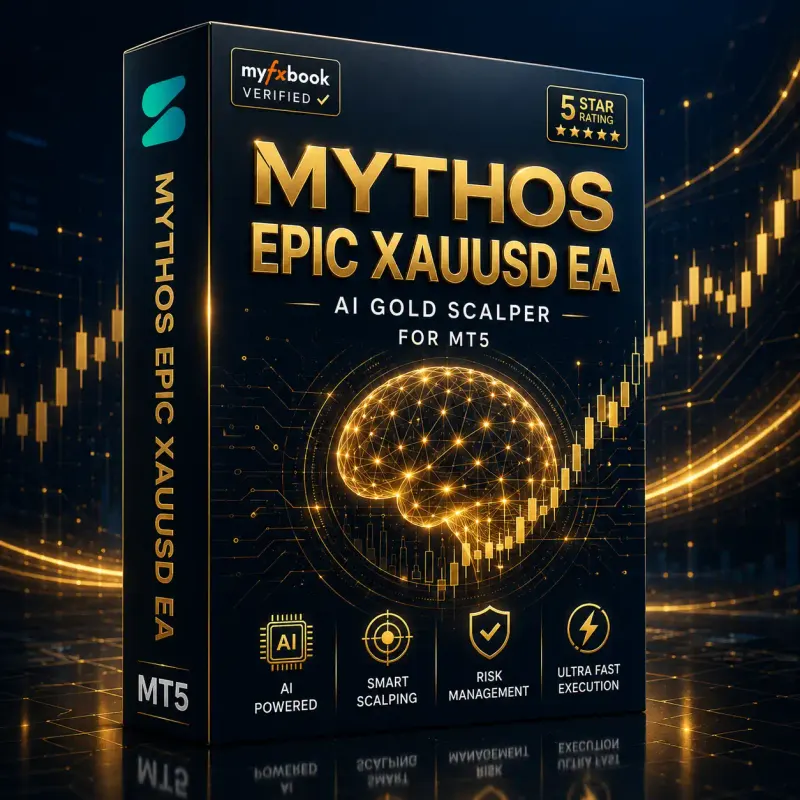
#2 | Mythos Epic XAUUSD EAMyFxBook Tracked · Demo | XAUUSD (Gold) | MT5 | +82.16% | 14.53% | 41.41% | AI Gold Scalping | |
#3 | Apex Quant BTCUSD EAMyFxBook Tracked | BTCUSD | MT5 | +72.09% | N/A | 35.44% | AI Bitcoin Scalping | |
#4 | Obsidian Aether EURUSD EAMyFxBook Tracked | EURUSD | MT5 | +70.08% | 22.94% | 95.21% | AI Adaptive Grid | |
#5 | Onix Stratos XAUUSD EAMyFxBook Tracked · Demo | XAUUSD (Gold) | MT5 | +16.35% | 6.82% | 9.89% | AI Smart Scalping | |
#6 | Elysium Vortex EURCAD EAMyFxBook Tracked · Demo | EURCAD | MT5 | +6.9% | 6.9% | 17.27% | AI EURCAD Scalping | |
#7 | Astrion Caelix EURUSD EAMyFxBook Tracked · Demo | EURUSD | MT5 | +1.3% | N/A | 3.22% | Hedging with Scalping | |
#8 | AVA AIGPT5 XAUUSD EAMyFxBook Tracked | XAUUSD (Gold) | MT4 | +0.16% | N/A | 0.02% | AI Gold Scalping | |
#9 | FXCore100 EA [UPDATED]MyFxBook Tracked · Demo | EURUSD | MT4 | +0.02% | 0.02% | 0.04% | Multi-Currency Trend | |
#10 | Equinox Cosmos GBPJPY EAMyFxBook Tracked · Demo | GBPJPY | MT5 | +0% | N/A | 0.07% | AI GBPJPY Scalping | |
#11 | Golden Deer Holy Grail Indicator (Lifetime Premium)No public track record | — | MT4 | N/A | N/A | N/A | — | |
#12 | Windows VPS for MT4 & MT5No public track record | — | MT4/MT5 | N/A | N/A | N/A | — |
Past performance is not indicative of future results. Trading forex and CFDs carries a high level of risk and can result in the loss of all of your capital. The results shown are specific to the broker, account type and settings used on the tracked account and will differ elsewhere. Nothing on this site is financial advice.
The leaders
Each card carries the tracked figures, the minimum balance and the licence price.
From$199
Get licenceFrom$329
Get licenceFrom$239
Get licenceScalping systems are sensitive to spread and execution. Compare regulation, minimum deposit, platforms and account types for the brokers we test on before you choose where to run one.
Questions
By verified compound monthly return, taken from the third-party tracking account published on each product page. Drawdown is shown beside the return rather than averaged away, and the account type is stated on every row, so a demo record is never presented as live.
It means a third-party tracking account exists for that system and the figures shown are read from it. Where the tracked account holds demo funds rather than live money, the row says Demo. Systems with no published account carry no performance figures at all.
No. Rank is one input. A system returning 20% a month at 80% drawdown is a different proposition from one returning 6% at 5%, and the minimum account size and licence price differ too. Check the drawdown, the account type, the recommended minimum balance and the price on each row before deciding.
Every row has a Get licence button that opens the licence panel on that system’s page, where you choose the tier and see the price. Card and USDT (BEP-20) are both accepted through Stripe at checkout, and the licence and download are delivered to your BestMT4EA dashboard.
Need help picking? Message us onTelegram.
AI-powered grid scalper for MetaTrader 5 — adaptive ATR spacing, range & trend dual detection, and institutional-grade risk management.